

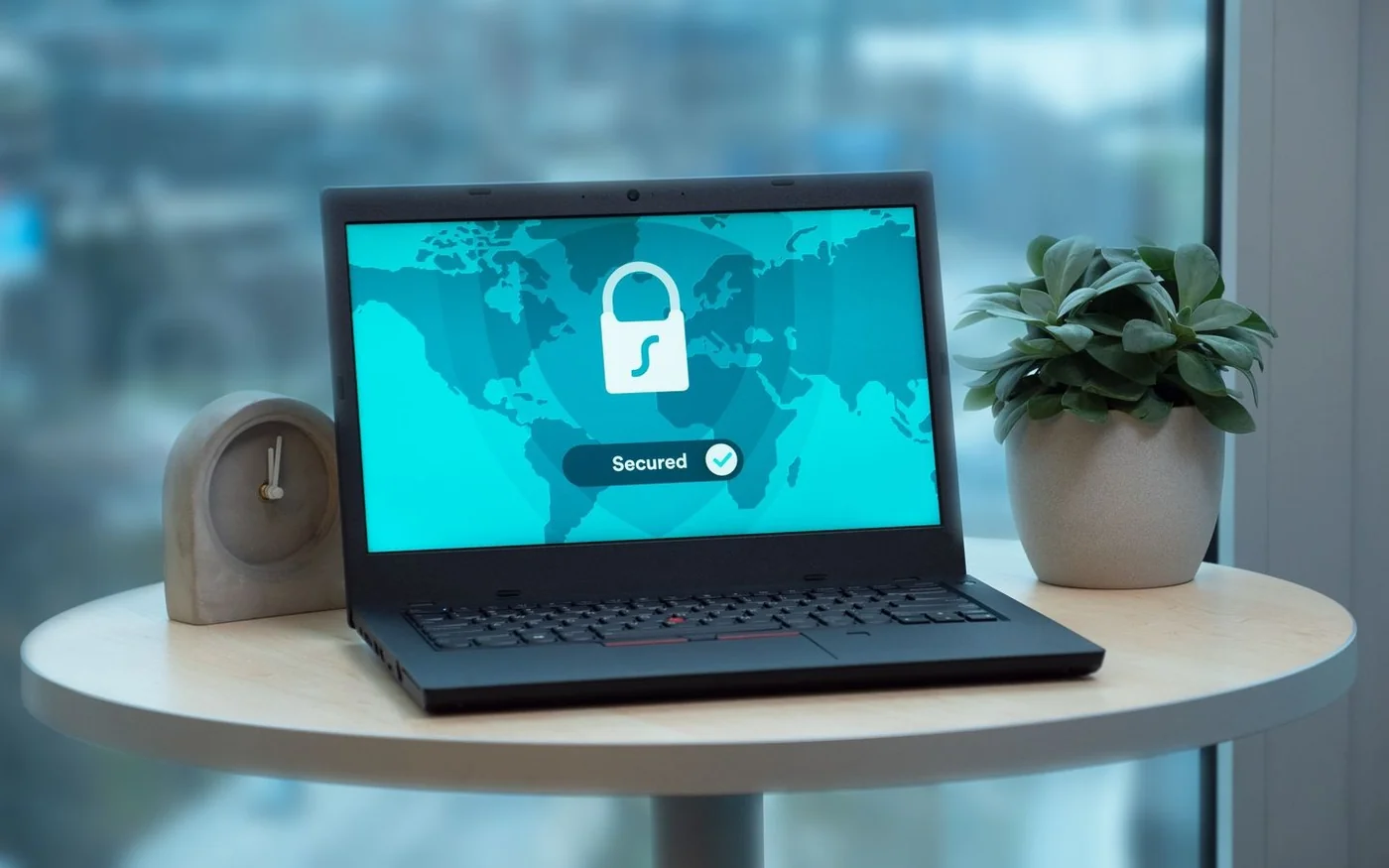
A UAE distribution company wants to protect email, finance and its warehouse application with multi-factor authentication. The finance team works on managed laptops. The warehouse shares terminals across shifts, and contractors sometimes connect from their own devices. A phone-based option may be easy to roll out to office staff. The same choice can become difficult when a night-shift employee loses a phone or has to sign in at a shared workstation.
Choose authentication by account risk, device and recovery needs. Start with people who can reset accounts, change payments or grant access. Then test how ordinary staff sign in, how a lost authenticator is replaced and which older applications can still accept a weaker route. A company should be able to show that the controls are enforced on the systems that matter.
Understand what the second factor protects
Multi-factor authentication, or MFA, uses more than one type of evidence. A password is something the user knows. A registered device or security key can prove possession. A fingerprint or face scan may unlock a credential on that device. The details matter because asking for two secrets of the same type gives a different result from combining independent factors. A password and another memorized answer can both be collected by a fake sign-in page.
NIST's current authentication guidance distinguishes phishing-resistant protocols from methods that require a user to type an authenticator output. For example, a criminal can relay a manually entered one-time code from a fake sign-in page to a real one. A properly configured phishing-resistant credential can bind its response to the intended service. NIST also treats use of the public switched telephone network for out-of-band authentication as restricted in its guidance. This is a technical reference for comparing methods. The company still needs to check how its own platforms enforce each option. NIST Digital Identity Guidelines on authentication
Think about the risk after sign-in too. An attacker might obtain an existing session or persuade a help desk to replace the user's authenticator. Review what administrators can do, when the service asks for fresh authentication and who can approve a recovery. Stronger sign-in does more for the business when enrollment and support preserve the same assurance.
Compare methods by how people will use them
| Method | Practical fit | What to verify |
|---|---|---|
| SMS or voice code | A limited fallback where a stronger compatible route is unavailable | Delivery, phone changes, exceptions and risk of code theft |
| Authenticator app code | Staff who can use a registered app, including where the device lacks a data connection | Correct enrollment, clock behavior and exposure to fake sign-in pages |
| Push with number matching | Supported devices and sign-in flows that can show and match a number | Behavior on different devices, unexpected prompts and support procedures |
| Passkey | Supported accounts, browsers and devices with an approved credential policy | Whether it is synced or device-bound, how it is unlocked and how it is revoked |
| Hardware security key | Administrators or staff who need a separate portable credential | Supported ports or wireless interfaces, spare keys and replacement |
A time-based authenticator app can generate codes locally once it is enrolled, which can help when a phone has no mobile connection. It still depends on correct setup and a working device. Push can be easier for routine sign-in. With number matching, the user compares information shown during sign-in with what the app asks for. Microsoft documents how its Authenticator implementation works and how the behavior varies by sign-in scenario. Treat it as an improvement over a simple approval prompt, and verify stronger methods for accounts at higher risk of phishing. Microsoft Learn on Authenticator number matching
Passkeys use cryptographic credentials for supported services. A synced credential can make it easier to move between approved devices. A device-bound credential may suit cases where the organization needs tighter control over which device holds it. Ask whether the service accepts both and whether the policy can distinguish them. For a hardware key, test it on the actual browser, operating system and workstation, including shared terminals where staff cannot install software. Verify whether the configured sign-in requires user verification by a PIN or biometric where the business relies on that behavior.
Map the policies to the UAE company's real accounts
Make a short inventory of email, cloud administration, remote access, the finance platform, banking and the applications staff need to trade. Identify whether each supports a central identity provider or uses its own accounts. If an application redirects ordinary users to the identity provider but leaves a separate local administrator login, test both paths. Record who can enroll a method and how the company checks that the required policy is applied.
The UAE's Federal Authority for Identity, Citizenship, Customs and Port Security describes UAE Pass as a unified national digital identity for participating services. Where a company uses a service integrated with UAE Pass, record that sign-in route separately from its workforce identity policy. Confirm which users act on behalf of the business, how that authority is recorded and what happens when the employee leaves. A participating government portal and an internal application may have entirely different access and recovery rules. ICP on UAE Pass
A UAE Ministry of Finance carousel provides context for supplier registration on the federal Digital Procurement Platform. The Ministry's supplier registration page identifies UAE Pass as a sign-in step. This is one example of why an inventory should distinguish a service's identity requirement from the company's settings for email, warehouse or finance access. UAE Ministry of Finance supplier registration
Pilot with a group that reflects different working conditions. Include a privileged administrator, a finance approver, a warehouse employee and an external support user if those roles exist. Run the sign-in on the devices and networks they actually use. A worker may need a method that does not depend on installing an app on a personal phone. A contractor may need limited access that can be withdrawn without touching the contractor's other accounts.
At a shared terminal, test the end of the session as carefully as the beginning. Have one employee finish an order and sign out, then ask the next employee to sign in. Check whether the browser offers a saved account, whether the first user’s session remains open in another tab and whether records show the right person performed each action. A portable key helps identify the person at sign-in, while session and workstation settings determine what the next shift can access.
Design enrollment and recovery before enforcement
Use a trusted process to add the first authenticator. Decide how a manager or help desk verifies the user, which device can be registered and where the change is logged. A new sign-in method should not be added just because someone has the account password. Check how employees are told about new enrollment or replacement and how they can report a change they did not request.
Test a lost phone, a damaged security key and a user who cannot receive a notification during a shift. Verify who approves a replacement and how the old method is revoked. Keep an alternative for critical staff, such as an approved spare key where supported, and test it before it is needed. If a recovery code is used, decide where it can be kept and who can retrieve it. Storing it in the account it is intended to recover can make it unavailable during an incident.
Set rules for emergency administrator access. Confirm the approved custody, alerting and review process. Test the route in a controlled exercise and verify that ordinary users cannot use it. If a temporary exception is unavoidable, record the account, reason, owner and expiry. Check after the deadline that the exception has actually been removed. An exception that never expires can become the effective sign-in policy for that account.
Check coverage and the paths people can bypass
Distinguish registration from enforcement. A report may say that a user has added a second factor while a legacy connection or alternate sign-in still accepts a password alone. Test the main application, a mobile client, recovery and any old protocols in use. Ask the platform owner which paths are supported and which should be disabled. Treat accounts used by applications separately, with narrowly scoped credentials and a way to monitor and rotate them. A background job cannot approve a phone prompt like an employee can.
Suppose a hypothetical UAE company has 60 active user accounts and 54 have an approved method registered. Registration is 90%. If a policy test shows only 48 must use it on the critical applications, enforcement covers 80% of the same group. Identify the six registered accounts that can still enter through another path and the six without an approved registration. Also report privileged accounts as a separate group. A small gap in the administrator population can matter more than the average for the workforce.
Look at the support costs alongside the coverage. Include hardware keys, spare stock, compatible devices and time spent verifying recovery. Track failed enrollment and support calls during the pilot. If a method causes staff to share credentials or rely on an unapproved workaround, find out what task they cannot complete and test an approved route. A policy that works only at head office may need a different implementation at a branch or warehouse.
Include the help desk in the test. Use a controlled request from a person claiming to have lost both a device and access to their usual contact channel. Observe what evidence staff require, how they escalate and whether they record the result. Avoid relying on information that appears in a staff directory or can be copied from a message. Then test a legitimate recovery so the team can tell how long an authorized employee might be unable to work. Record whether the fallback preserves the protection expected for that role.
Roll out by risk and verify that recovery works
For the distribution company, start with administrators and finance roles, using phishing-resistant methods where the relevant services support them. Then extend the policy to ordinary users with tested options for shared stations and managed or personal devices. Retain explicit ownership of any older application that cannot support the chosen method and decide what compensating controls and replacement schedule it needs.
Set a follow-up review after staff have used the service on ordinary and unusual shifts. Check which methods people actually used, which enrollment or recovery requests needed help and where a weaker path remained. Practice removing access for a departing employee and replacing a lost key. Check that the service revokes the lost credential and that any sessions requiring separate action are handled under the incident procedure. The rollout is ready to expand when the company can verify both the sign-in policy and the practical route back into the account for someone who should still have access.


Comments (0)
No comments yet. Be the first!